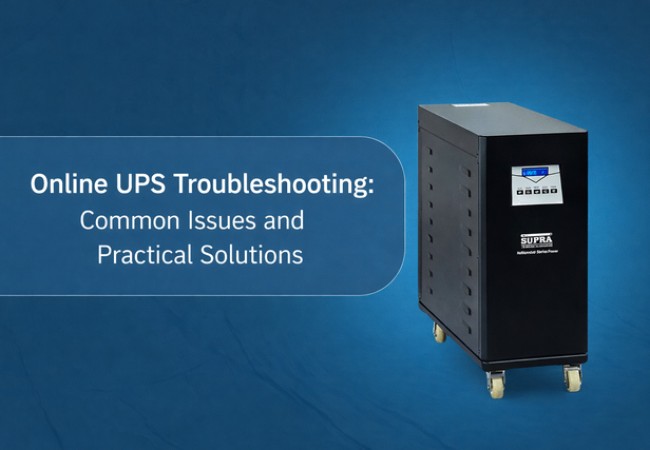
An online UPS (also known as a double conversion UPS) is a type of UPS that is used to supply constant and stable power to equipment it is connected to. An online UPS does not need to wait for a power failure to begin operation. It can always provide power via its inverter.
In simple terms, there is an initial conversion of the incoming power of the utility to DC power. This direct current is used to charge the batteries, and it is once again converted into clean AC power to run your equipment. Due to this continuous conversion procedure, the computers, servers, medical equipment, and industrial machines are always provided with seamless and consistent electricity. The UPS continues supplying power without delay, even in the case of a main power failure.
That is why online UPS systems are the perfect choice in such places, where even a slight disruption or fault can lead to severe trouble. Online UPS systems are important in securing the operations of data centers, hospitals, manufacturing facilities, banks, and telecom facilities.
Why Troubleshooting Online UPS Issues Matters
An online UPS is installed to protect your equipment and business. If the UPS itself starts having problems, that protection is lost. A faulty UPS can lead to data loss, damaged equipment, unexpected shutdowns, and costly downtime.
Regular troubleshooting helps you catch small problems before they turn into major failures. It also helps extend the life of batteries, reduce repair costs, and make sure your systems are ready when power problems occur.
UPS troubleshooting should be approached as preventive maintenance. A little attention today can save a lot of money and stress tomorrow.
Read more: Uninterrupted Power Supply Benefits: Why You Should Consider a UPS System
Common Online UPS Problems and Practical Solutions
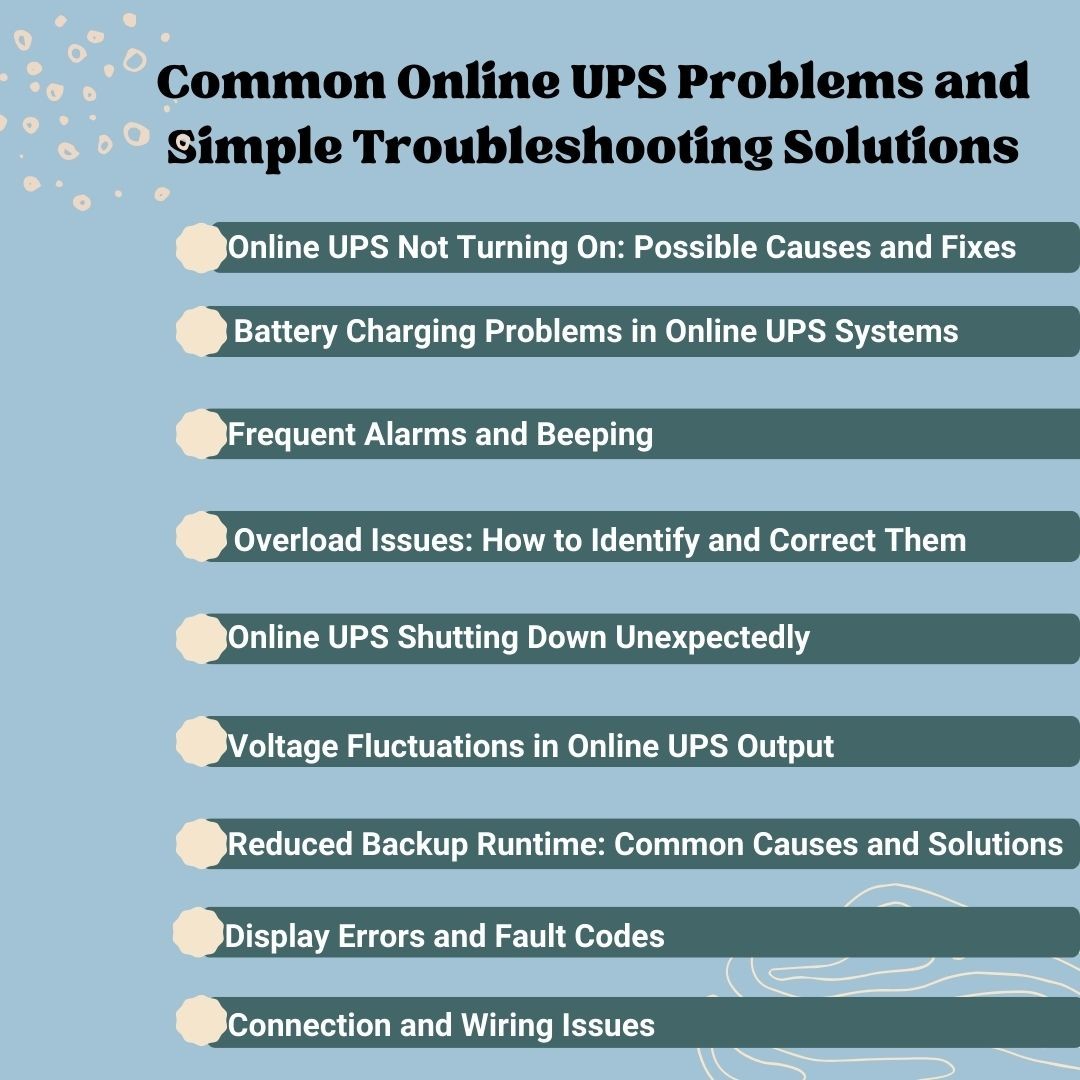
Below are the most common online UPS problems encountered in real-world applications, along with their root causes and practical, field-tested solutions to ensure reliable and uninterrupted power performance.
1. Online UPS Not Turning On: Possible Causes and Fixes
One of the most common complaints is that the UPS does not power on at all. This can be alarming, but many times the cause is simple.
Possible Causes
- Dead or deeply discharged batteries
- Tripped circuit breaker or blown fuse inside the UPS
- Loose battery or power cable connections
- Severe internal fault in the inverter or control board
What You Can Do
First, check if the UPS is receiving its power supply. Check if any breakers have been triggered and reset them if necessary. Next, check the connections of the battery and ensure they are secured and clean. If the UPS has not been in use for a long time, perhaps the batteries ought to be replaced.
If the unit still does not turn on, it could be an internal electronic fault. In such cases, professional service is required.
2. Battery Charging Problems in Online UPS Systems
The battery is the heart of any UPS. If it does not charge properly, backup time drops, and system reliability is lost.
Common Reasons
- Batteries reaching the end of their service life
- High room temperature causes faster battery aging
- Faulty charger circuit
- Loose or corroded battery terminals
- Constant overload on the UPS
How to Fix It
Batteries are good for three to five years. If they are past that, then it’s best to replace them. The UPS needs to be kept in an air-cooled and ventilated room. Hot environments cut down battery life notably.
Inspect the battery terminals for any dirt and clean them properly. Ensure that the connected load does not exceed the rated capacity of the UPS device.
3. Frequent Alarms and Beeping: What It Means and How to Resolve It
Online UPS systems use sound alerts to warn users about problems.
What Beeping Usually Means
- Short beeps often mean the UPS is running on battery.
- Fast beeps usually indicate a low battery.
- Continuous beeps often point to an overload or internal fault
What You Should Do
First, look at the display panel to understand the alert. Reduce the load if the UPS is overloaded. If the battery is low, restore power or allow time for charging. If the alarm does not stop, check the user manual or call support. Never ignore repeated alarms. They are your early warning system.
4. Overload Issues: How to Identify and Correct Them
An overload happens when you connect more equipment than the UPS is designed to handle.
Signs of Overload
- Frequent beeping
- UPS switching to bypass mode
- Unexpected shutdowns
How to Fix It
Unplug unnecessary appliances and cut the total load. If necessary, distribute the appliances among various UPS units. In any case, it has to remain within the UPS capacity.
5. Online UPS Shutting Down Unexpectedly
In case your UPS freezes or turns off unexpectedly, it's likely doing so to protect itself.
Common Causes
- Overheating due to poor ventilation
- Overload or short circuit
- Battery failure
- Faulty internal components
Prevention Tips
Make sure air vents are not blocked. Clean the dust from the UPS regularly. Keep the unit in a temperature-controlled room. Monitor load and battery health.
6. Voltage Fluctuations in Online UPS Output
Online UPS systems are designed to give a stable output. If the voltage still fluctuates, something is wrong.
Likely Causes
- Faulty inverter
- Damaged internal components
- Heavy overload
What to Do
Reduce the load and check if the issue improves. If not, a professional diagnosis is required since inverter problems cannot be fixed by the user.
7. Reduced Backup Runtime: Common Causes and Solutions
If your UPS no longer provides enough backup time, batteries are usually the reason.
Why It Happens
- Old or weak batteries
- High connected load
- Poor charging
How to Improve Runtime
Replace aging batteries. Reduce unnecessary load. Ensure proper charging and cooling.
8. Display Errors and Fault Codes
Modern UPS systems show error codes on the display. These codes help identify problems. Always refer to the user manual for your specific model. Write down the code and follow the recommended steps. If the error keeps appearing, contact service support.
9. Connection and Wiring Issues That Affect UPS Performance
Loose or poor wiring can reduce performance and even create safety risks. Check all power and battery cables. Make sure grounding is proper. Use high-quality cables and avoid makeshift connections.
Learn more: How an Online UPS System Protects Your Devices from Power Fluctuations
Maintenance Tips to Prevent Online UPS Issues
Good maintenance prevents most UPS failures.
- Keep the UPS clean and dust-free.
- Maintain a cool room temperature
- Test batteries regularly
- Update firmware when required
- Check load levels
When to Call Professional Online UPS Support
You should seek expert help if you notice:
- Burning smell or smoke
- Loud unusual noises
- Repeated error codes
- UPS isn’t supplying power
- Frequent shutdowns
These signs point to serious internal problems that need trained technicians.
Ensuring Reliable UPS Performance
Online UPS is a silent protector of your business. When it is functioning well, you can scarcely notice it. When it goes wrong, the effect can be enormous. Good maintenance, regular troubleshooting, and battery replacement will ensure that your UPS is prepared to face all power challenges.
Supra Hi-Tech is a trusted manufacturer and provider of advanced power control and backup solutions, serving industries, businesses, and homes for decades. Solar solutions, inverters, online UPS systems, and servo stabilizers are all part of the range of power technologies that Supra Hi-Tech has been able to provide to industries, businesses, and homes.